Your 3D printing
library, organized.
PrintTracker keeps every model, print, filament, and printer in one place — so you always know what you’ve printed, what’s queued up, and what it took to get there.
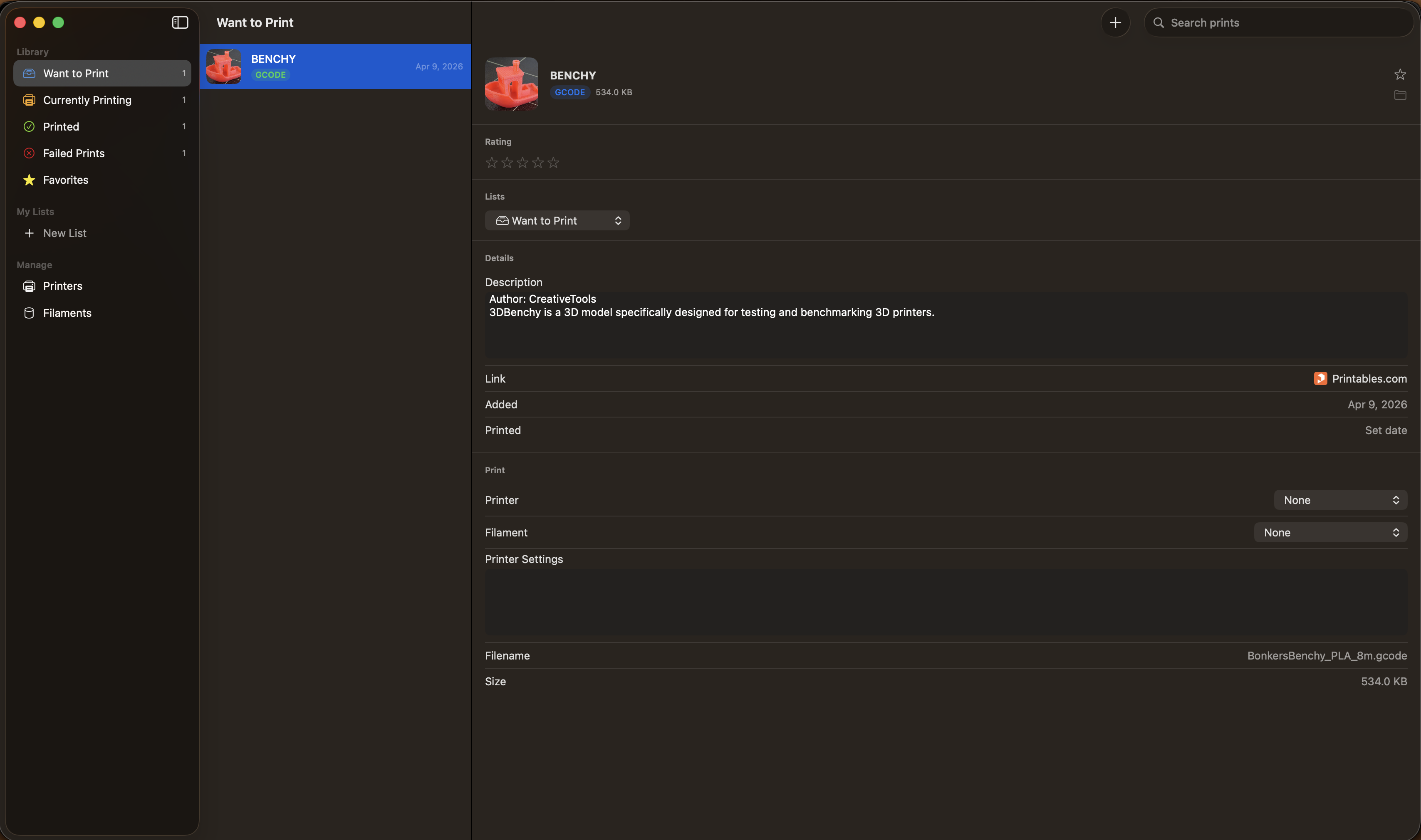
Library Management
Import STL, 3MF, OBJ, G-code & Fusion 360 files. Every file is safely stored with UUID-based naming while preserving the original filename.
2.4 MB
1.1 MB
8.7 MB
340 KB
Smart Lists
Organize prints into system and custom lists with live badge counts.
Filament Inventory
Track your filament stock with brand, material, color, and diameter.
Printer Profiles
Save your printers with build volume and notes — auto-filled from a product link in seconds.
Intelligent Autofilling
Paste a URL from Printables, Thingiverse, or MakerWorld and auto-fetch model details, photos, and metadata.
Rate & Review
Rate your prints 1–5 stars and mark favorites for quick access.
Supported File Formats
Full support for STL, 3MF, OBJ, G-code, and Fusion 360 files.
Photo Attachments
Attach photos from local files or auto-scraped images from model pages.
Stop losing track of your prints.
Download PrintTracker and bring order to your 3D printing workflow.
Coming Soon Moosehead LLC